GREAT! You have the first step complete.
The FEWOCiOUS x ComplexCon experience on site will be compatible with Metamask, so if you have another type of wallet, hit the button below to go set up your Metamask and return to this page when you’re finished!
Go To MetaMask
Make sure that your wallet is set up on your mobile device before you arrive at ComplexCon!
Let’s set up your Metamask wallet!
What’s a web3 wallet?
A web3 wallet is a non-custodial wallet which gives ultimate power and privacy to the user, you! After setting up your transaction, your web3 wallet communicates with the ethereum blockchain, minting your NFT!
Security tip!
Ensure you store your Secret Recovery Phrase in a safe place, as this is the only way to recover your wallet in the event of an emergency or forgotten password!!! I’d suggest writing it down on a physical piece of paper and keeping it in a secure place that can be locked!
Creating your very own Metamask wallet!
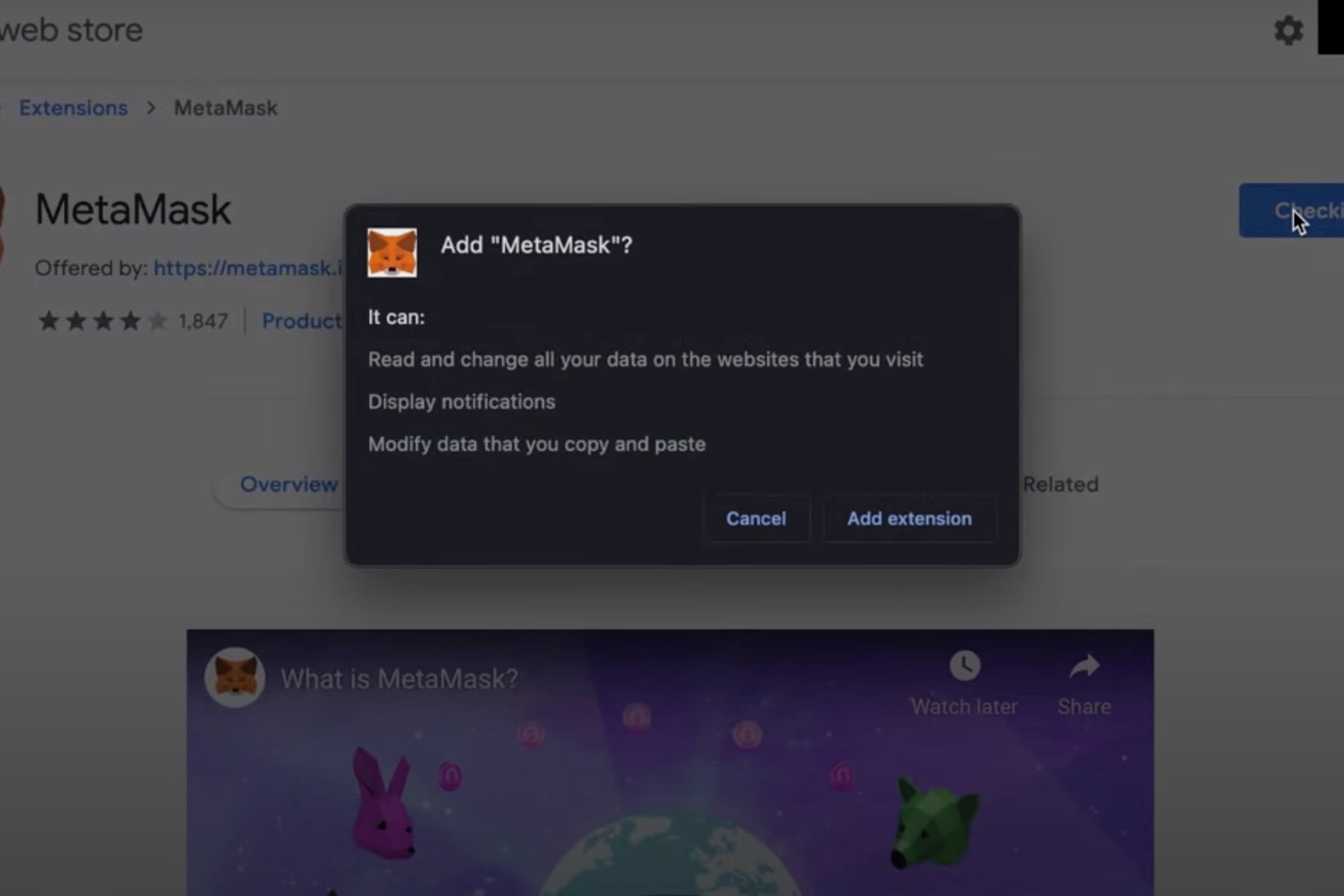
First, you’ll download the Metamask extension for either Chrome or for your mobile device.
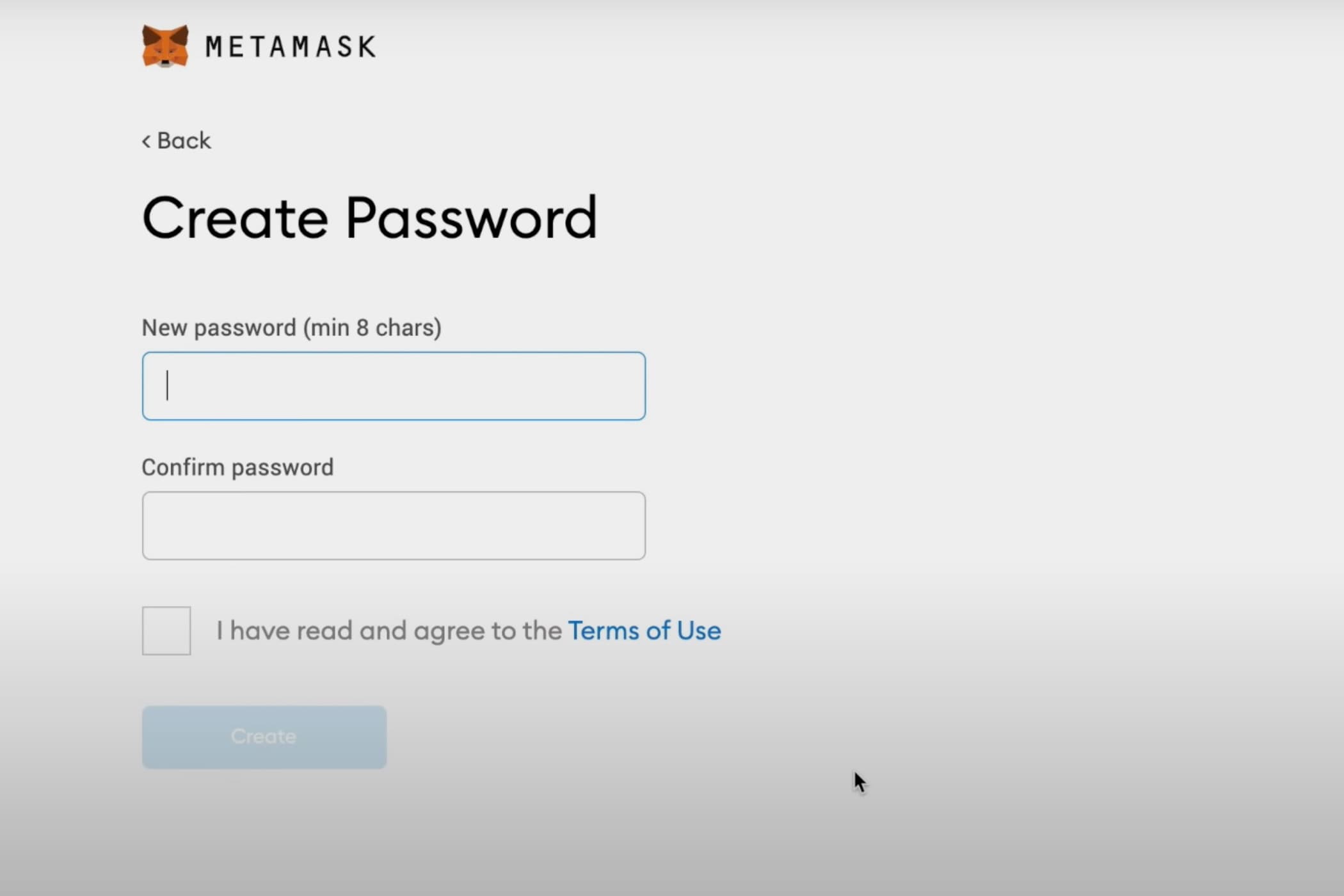
Follow the steps on Metamask to establish your password.
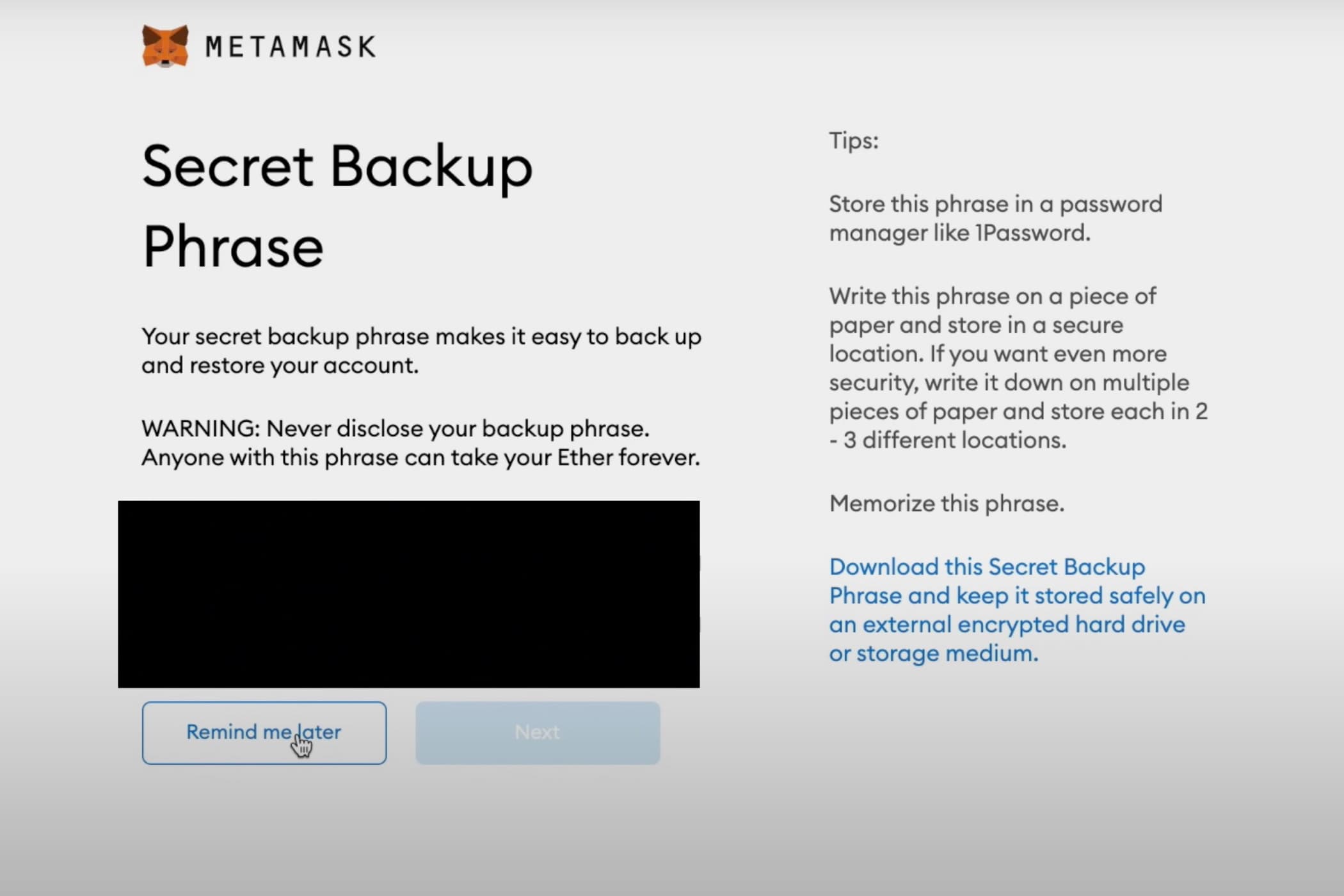
Metamask will create your Secret Recovery Phrase for you. Write it down! They will also suggest some helpful security tips to get your Phrase safe.
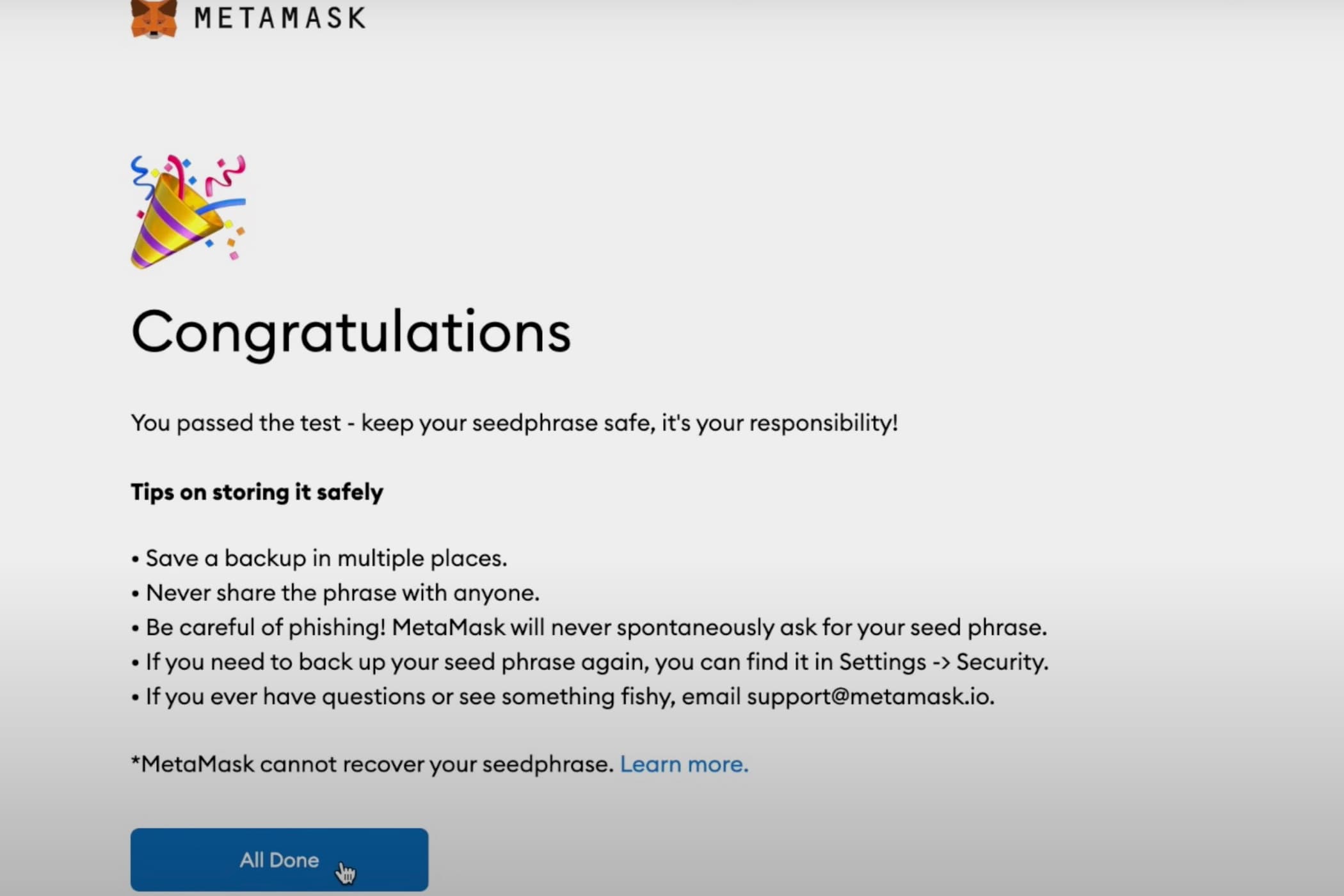
Once you’ve confirmed your Secret Recovery Phrase they’ll provide you with a QR code to set up your Metamask on mobile (if you started on your computer). And then you’re all set!
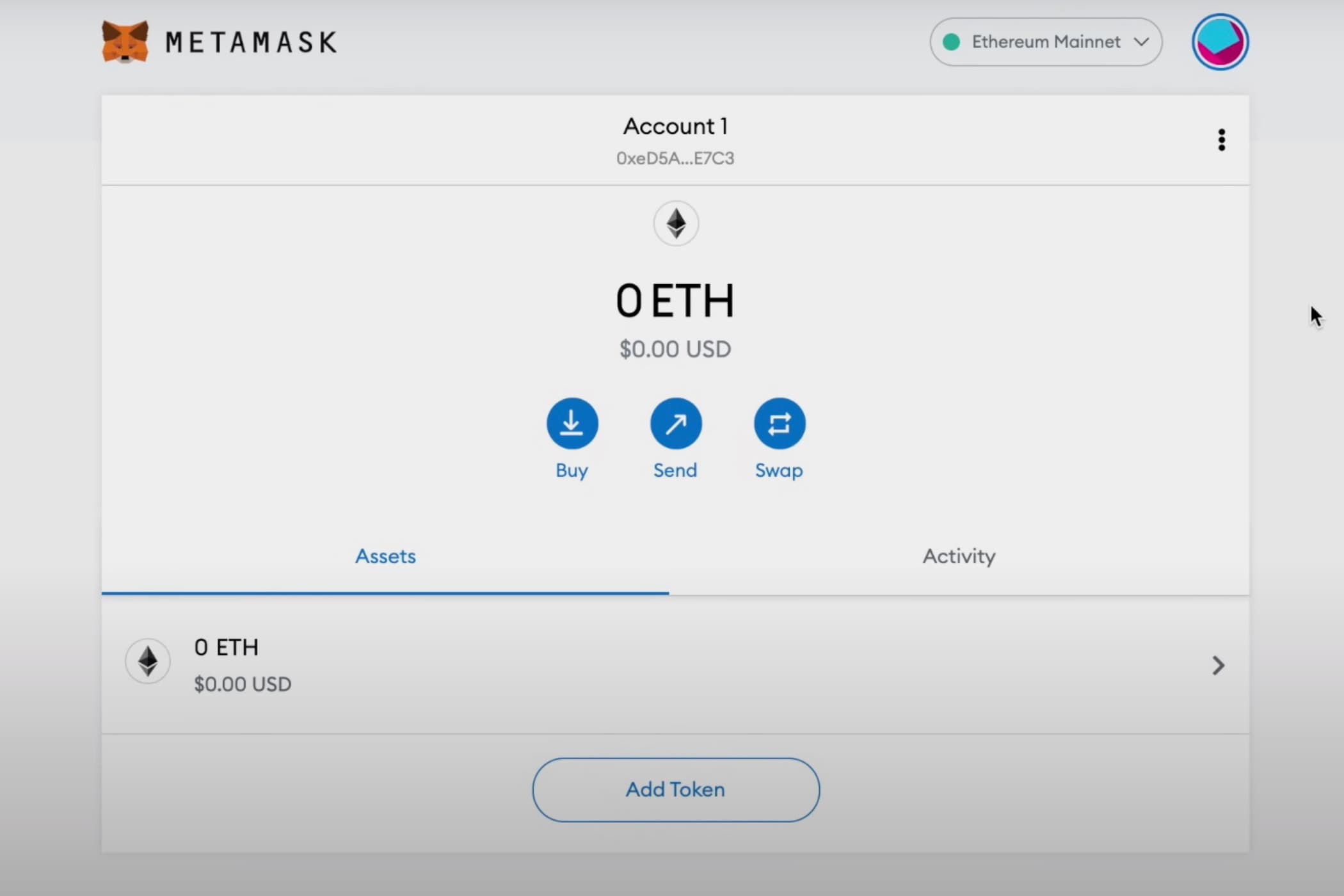
Return to this page once your wallet is set up for next steps :)
Go To MetaMask
Make sure that your wallet is set up on your mobile device before you arrive at ComplexCon!